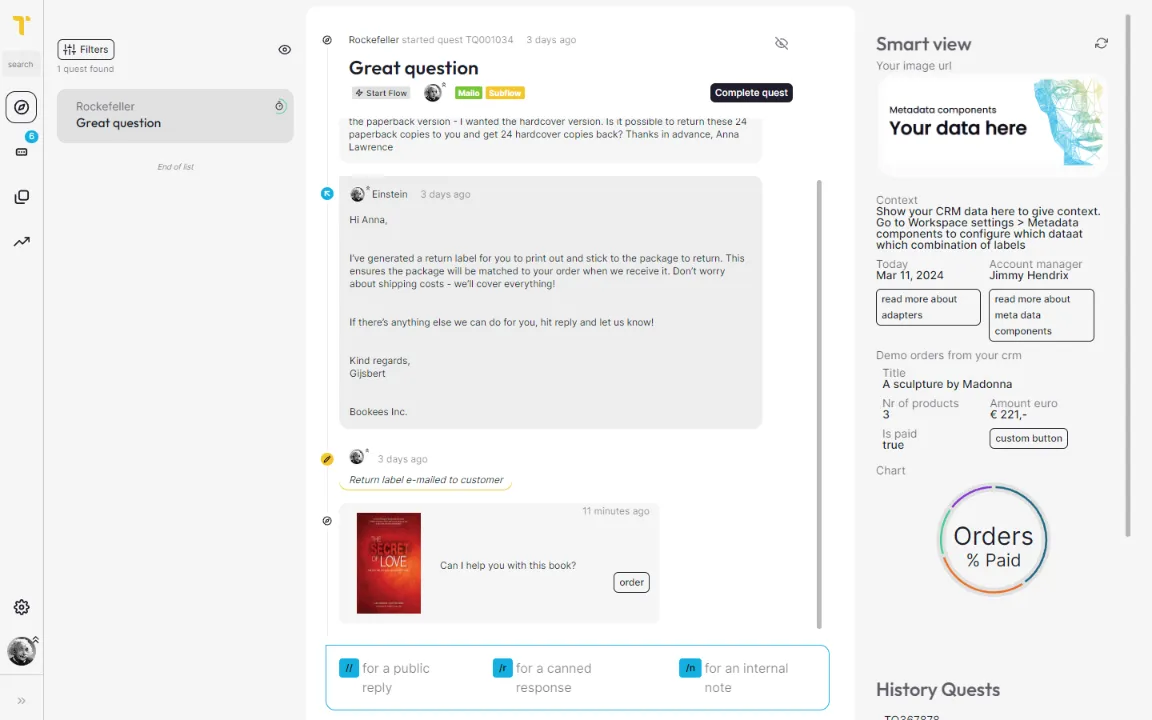
All communications under one roof

Unified inbox

Want your helpdesk people to spend time helping people?

Tick simplifies your customer service operations.

Communications don't need to be chaotic

You communicate via a plethora of channels, maybe even separate channels for each brand you are serving.
Having all these communications in one unified inbox gives ease of mind. Wether from a chat widget or from an e-mail; Everything is there under one roof.
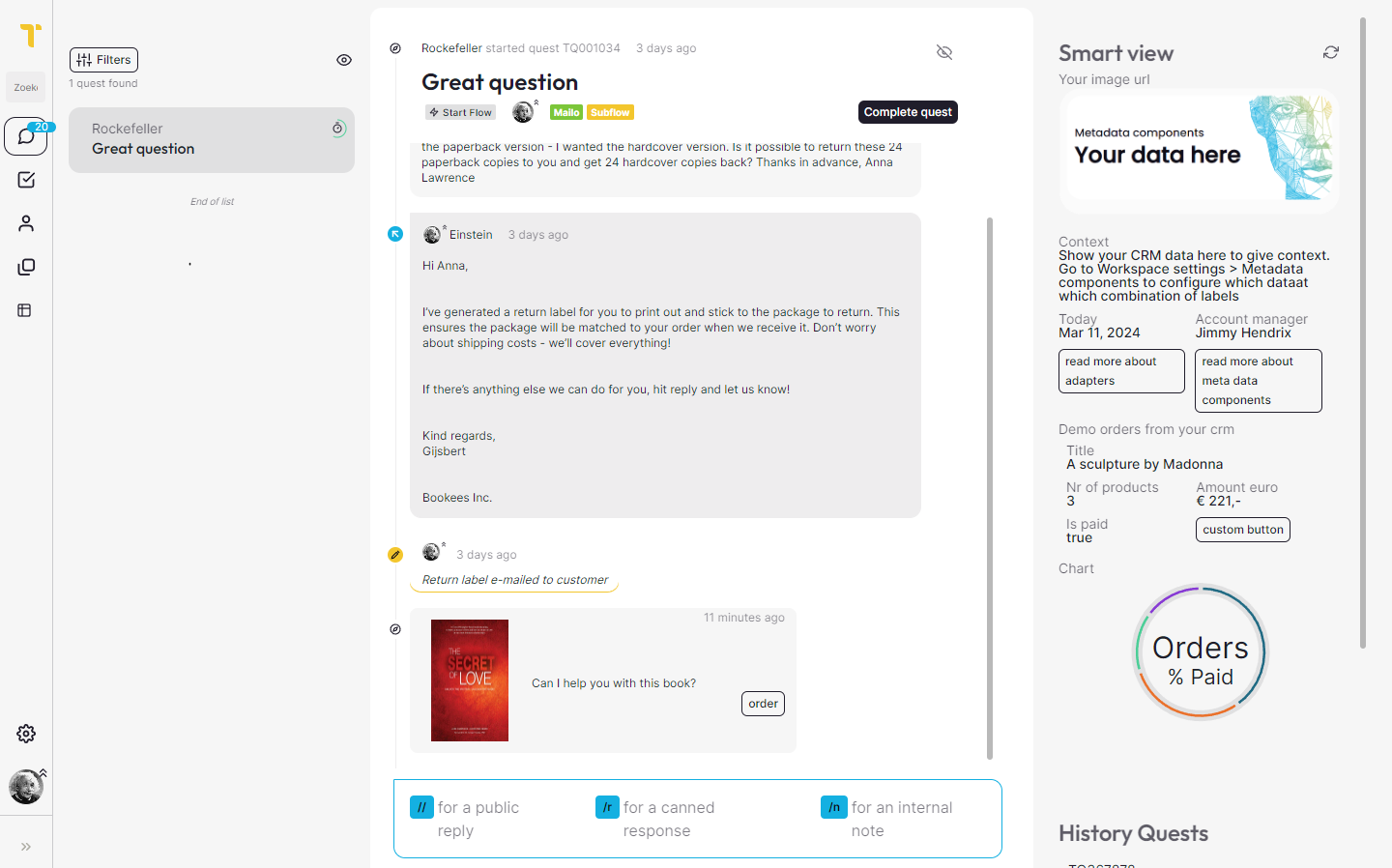
ticket

Everything in 1 place

Resppond to e-mails, phone calls and chat messages from one overview.

Book a demo
ticket

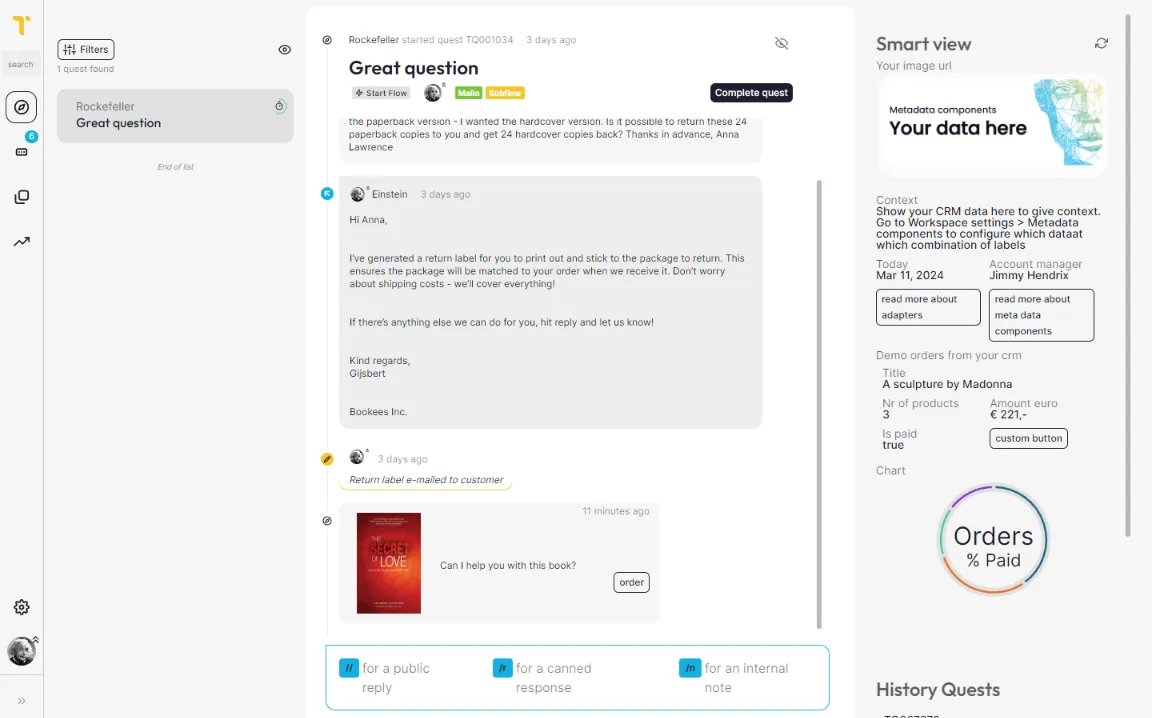
Communication is Teamwork

Working with multiple persons can be daunting until you try the Unified Inbox. You see a personalized list of tickets with easy navigation.
Needing some help? Easily assign other Users and Teams to also add it to their Inbox.

Book a demo
ticket

Context driven communications

Communication is al about context. Show a detailed profile and know who you are talking to.
Context can also be too much when presented for every situation. You might want to see the latest orders when it involves a return. But when having a sales talk you might want to see the average order size.
Metadata components are shown based upon the chosen labels to always be useful and insightful.

Book a demo
ticket

Internal notes

When dealing with your audience you might want a second opinion. Use Internal notes to share your thoughts and even notify another user or team in your organization.

Book a demo
ticket

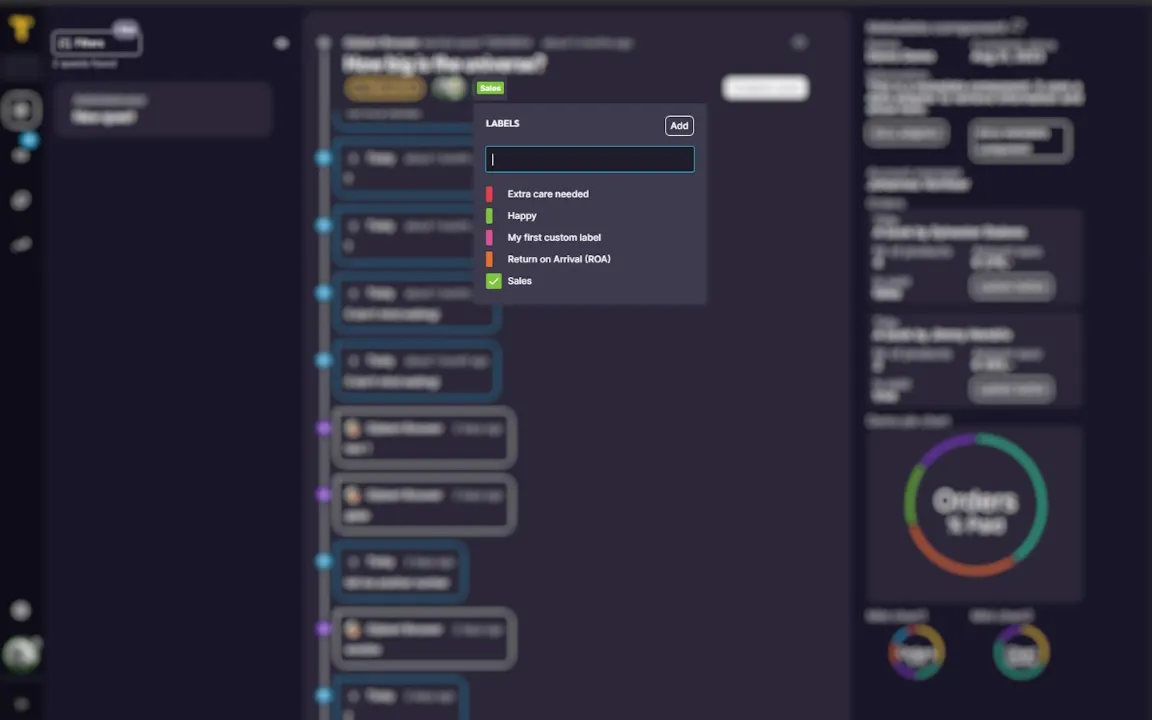
Quick labeling

Labels are not only for categorizing tickets but also act as a trigger for Metadata components and SLA's.
Adding or removing labels helps presenting you the right context for the situation.

Book a demo
ticket labels

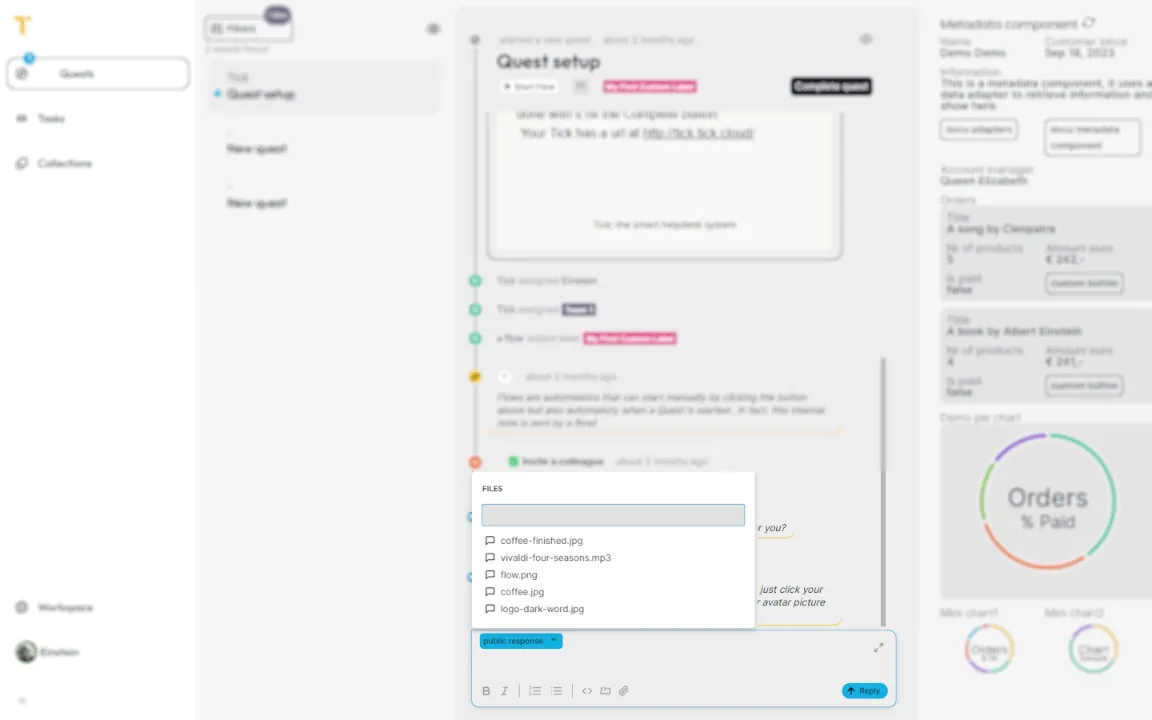
Use shared files

Use the Tick filesystem to share files across your organization. Having a new manual? Simply update it in the filesystem and everyone is using the same version again.
You can create small video's and send them as guidance for customers in need.

Book a demo
share files in workspace